
Hi friends,
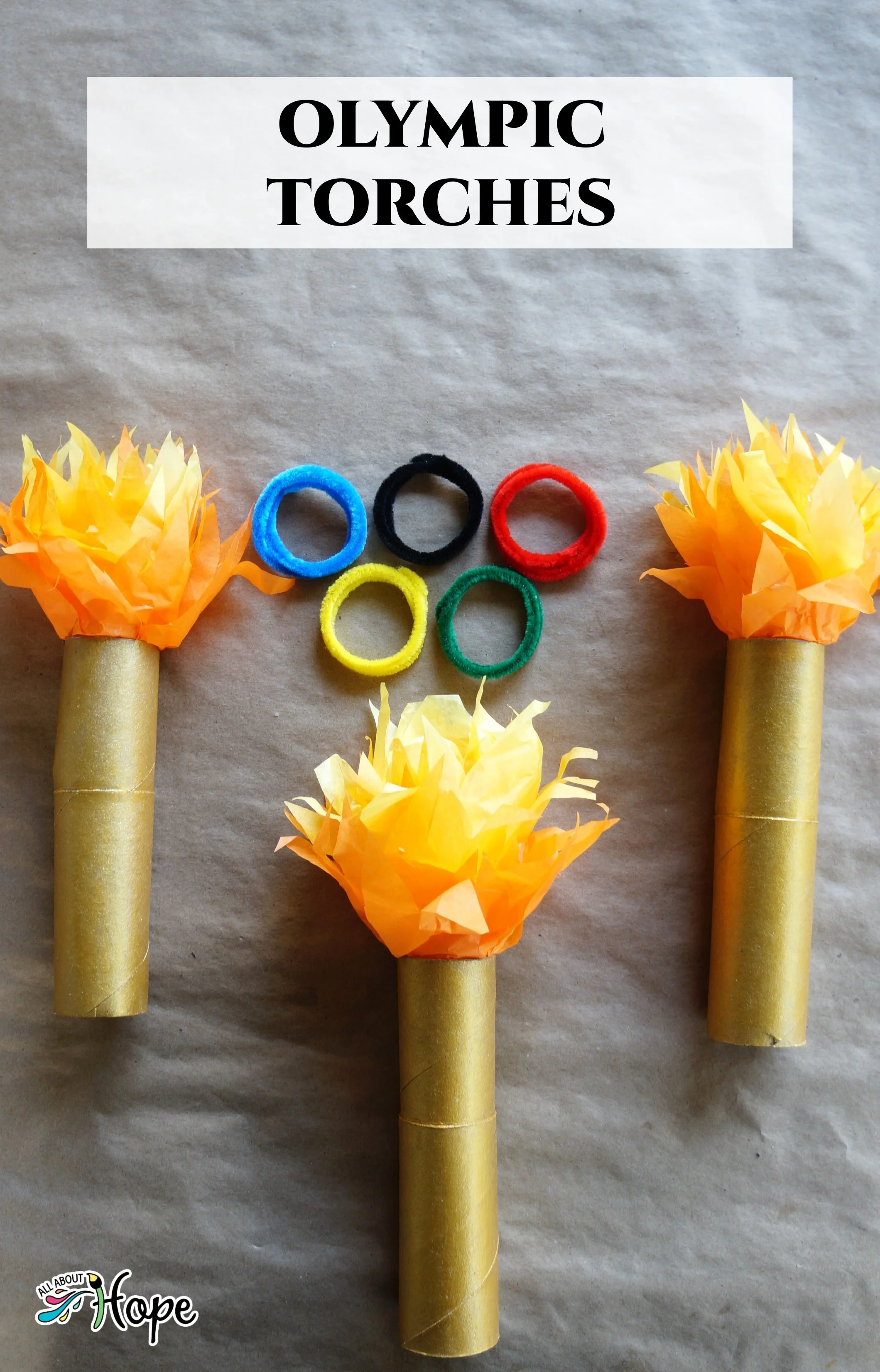
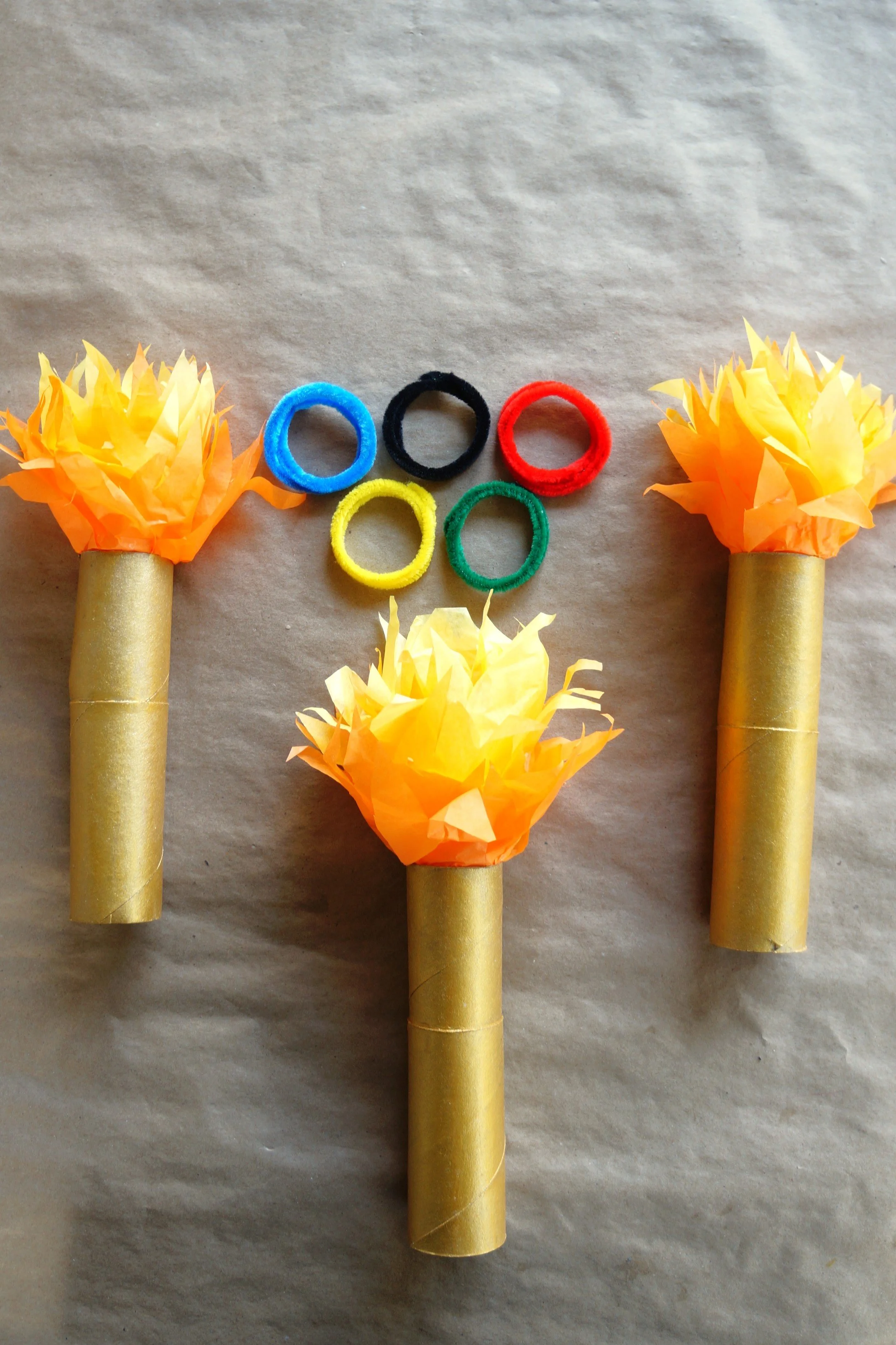
We’re sharing our simple-to-make Olympic Torches in honor of this year’s games.
Our youngest had a reading assignment recently, which explained the origins of the Olympics, the name, the changes over the years, and the lighting and carrying of the torches. So we’re sharing our simple torches with you, using paper rolls and tissue paper.
*Click on the photos for a closer look
What You'll Need
Tissue Paper- Orange, Light Orange, Yellow (red optional)
Tacky Glue
Gold Paint
Paint Brush
Scissors
Empty Paper Rolls (2) or Empty Paper Towel Roll (1)
The Steps
We want to see your craft! Click PHOTO SUBMISSION, then submit the photo.
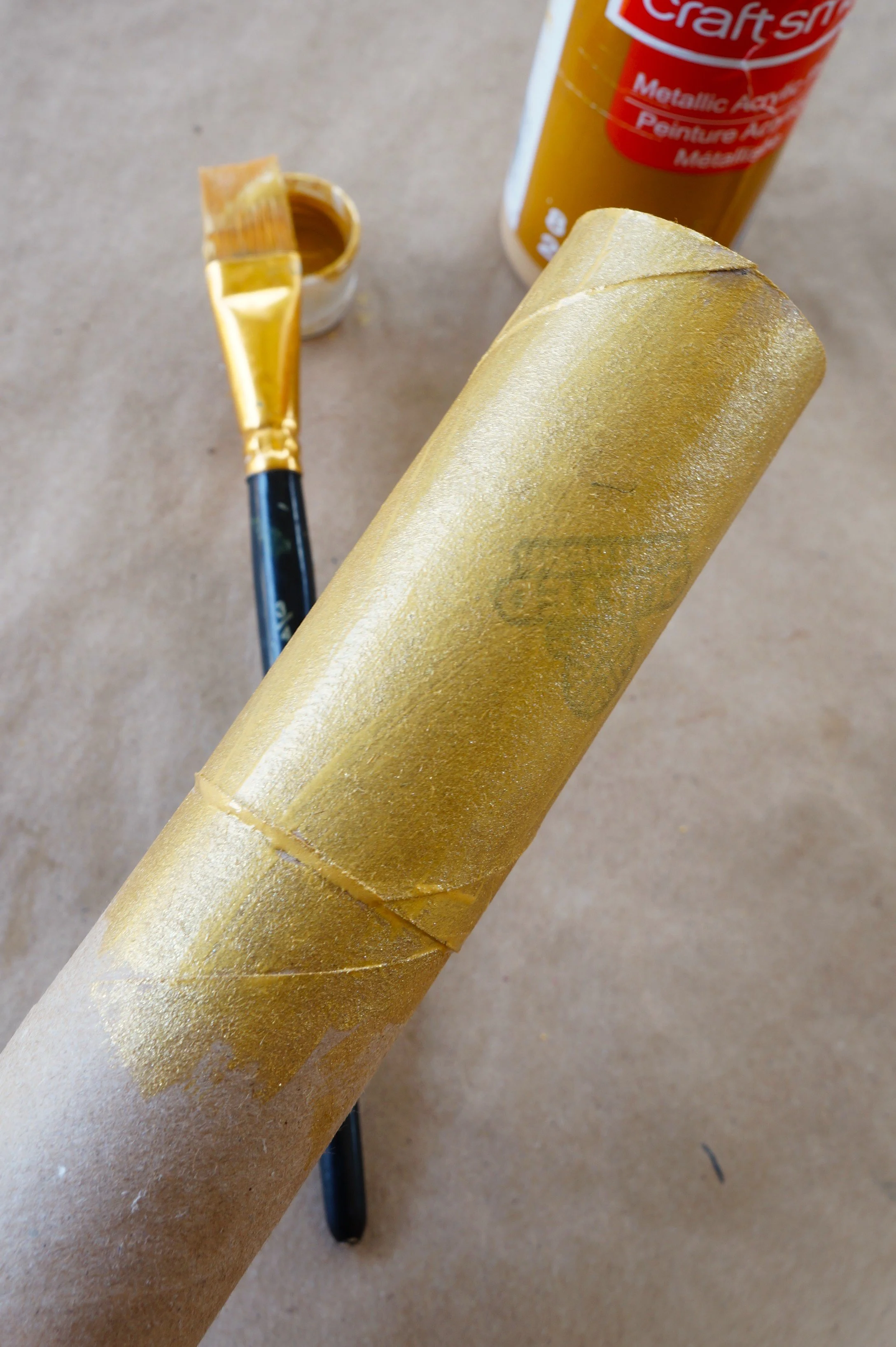
TORCH
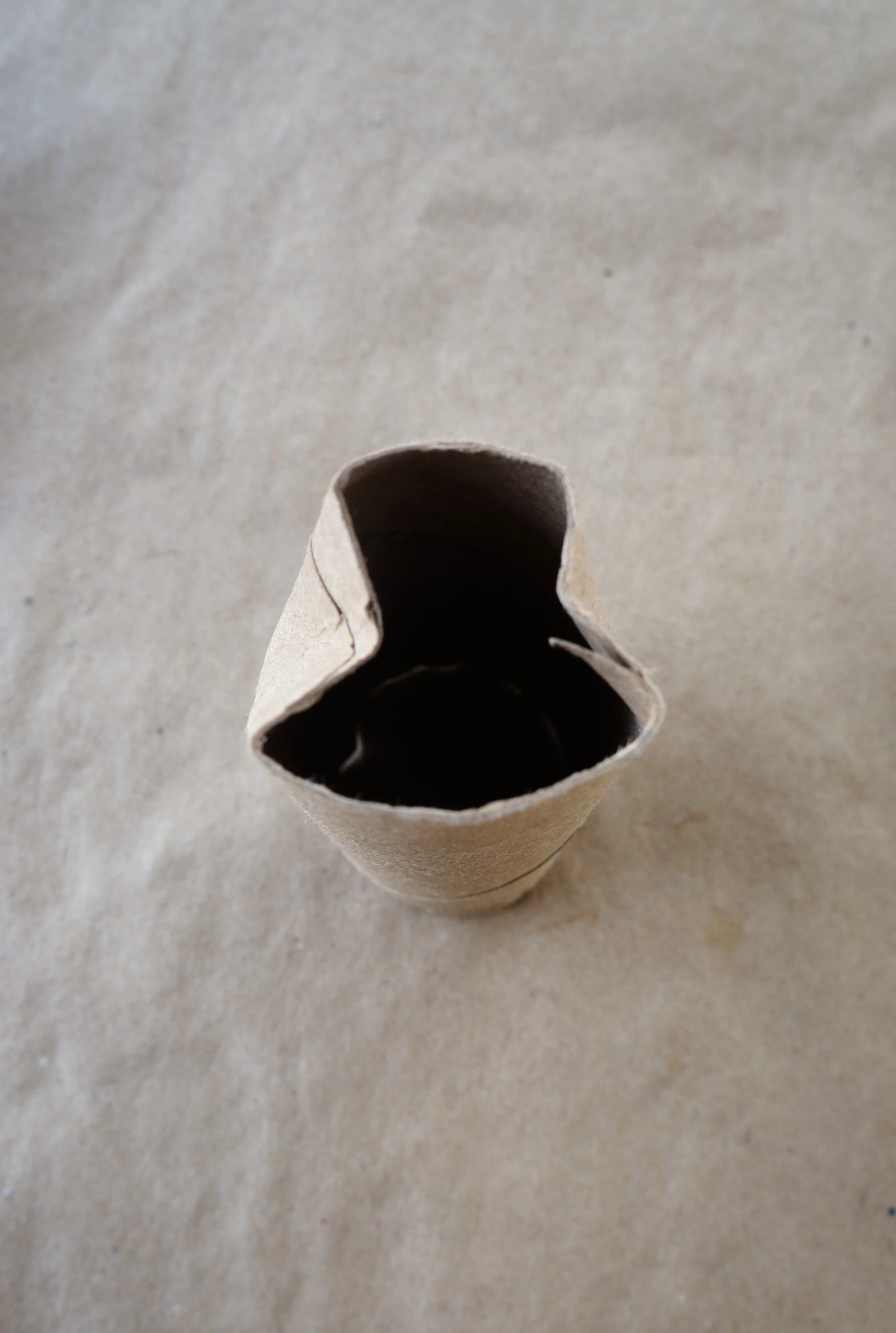
Press the top in on opposite sides of the first roll.
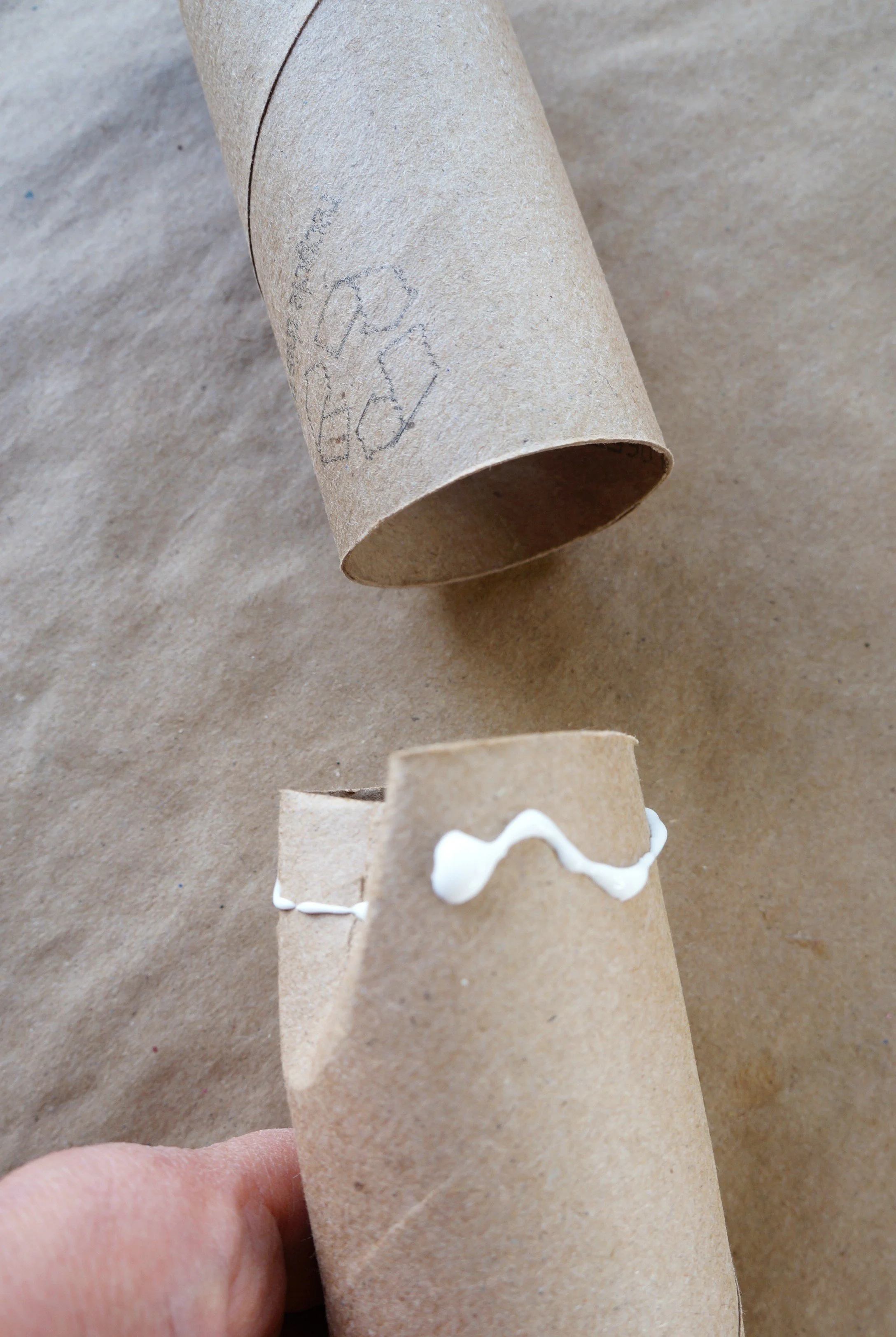
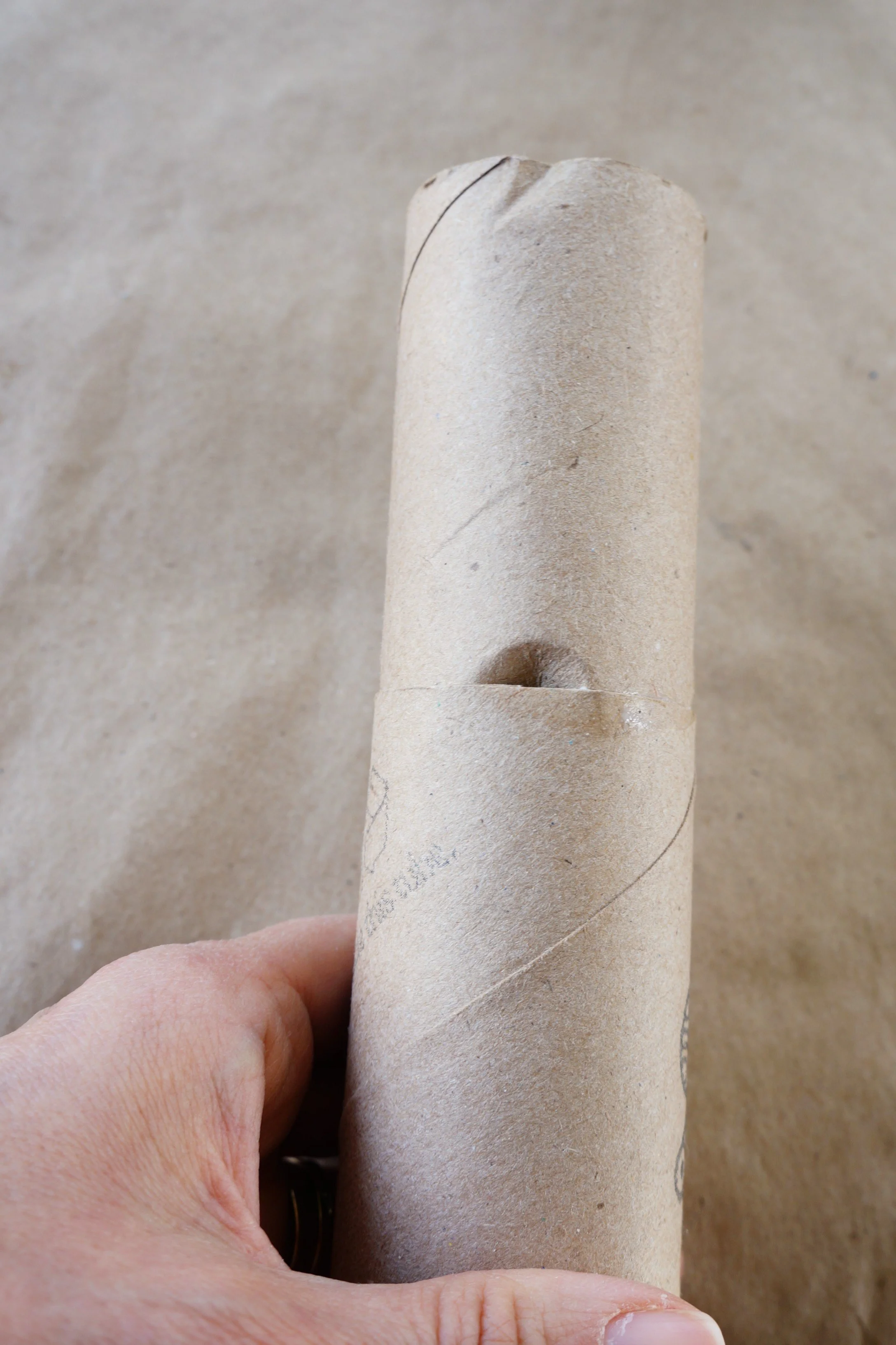
Add a ring of glue around the top of the roll and slide it into the second roll. Wipe away any excess glue.
Paint the torch gold, and go over it with a few coats of paint if there’s a stamp/logo on the roll.
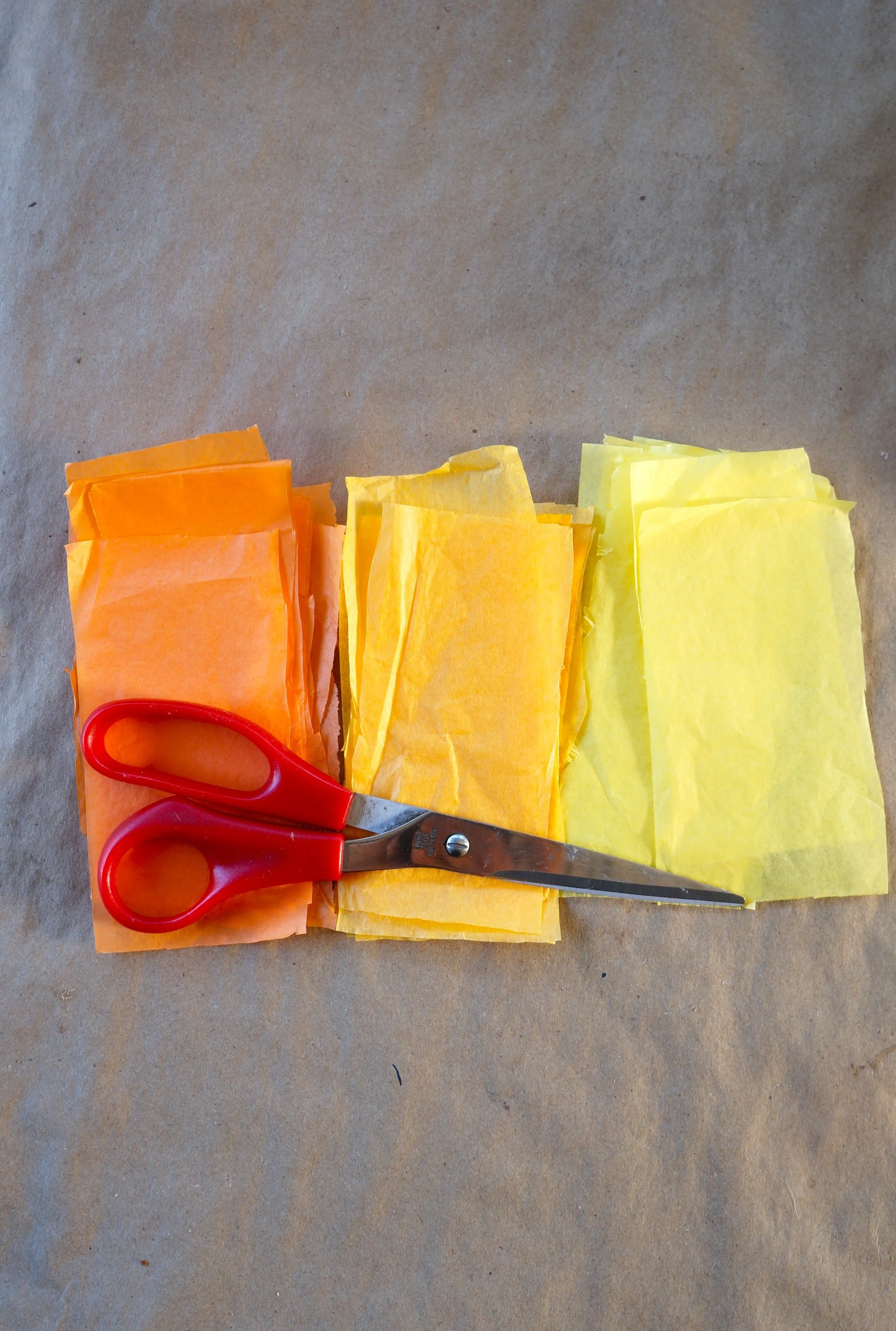
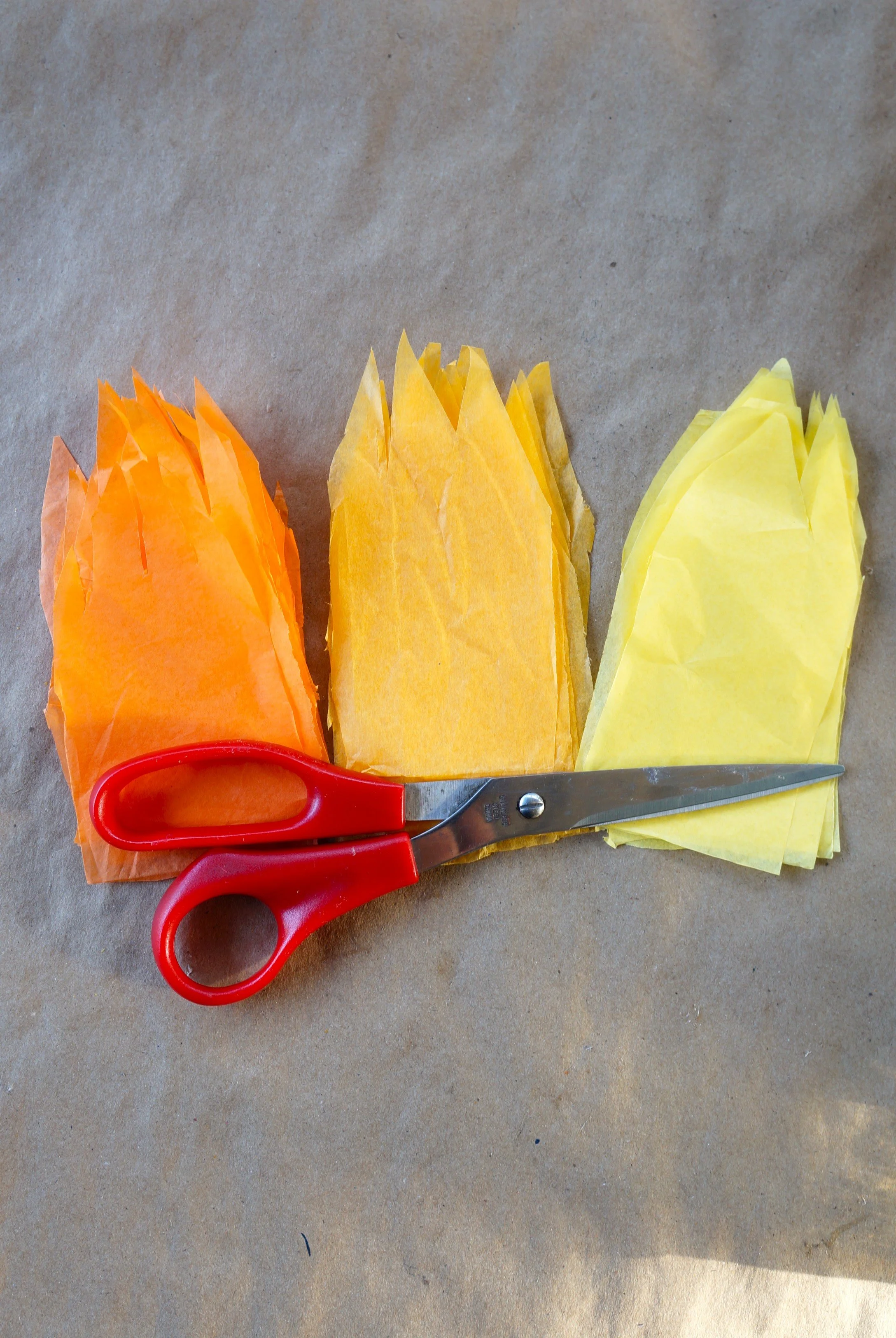
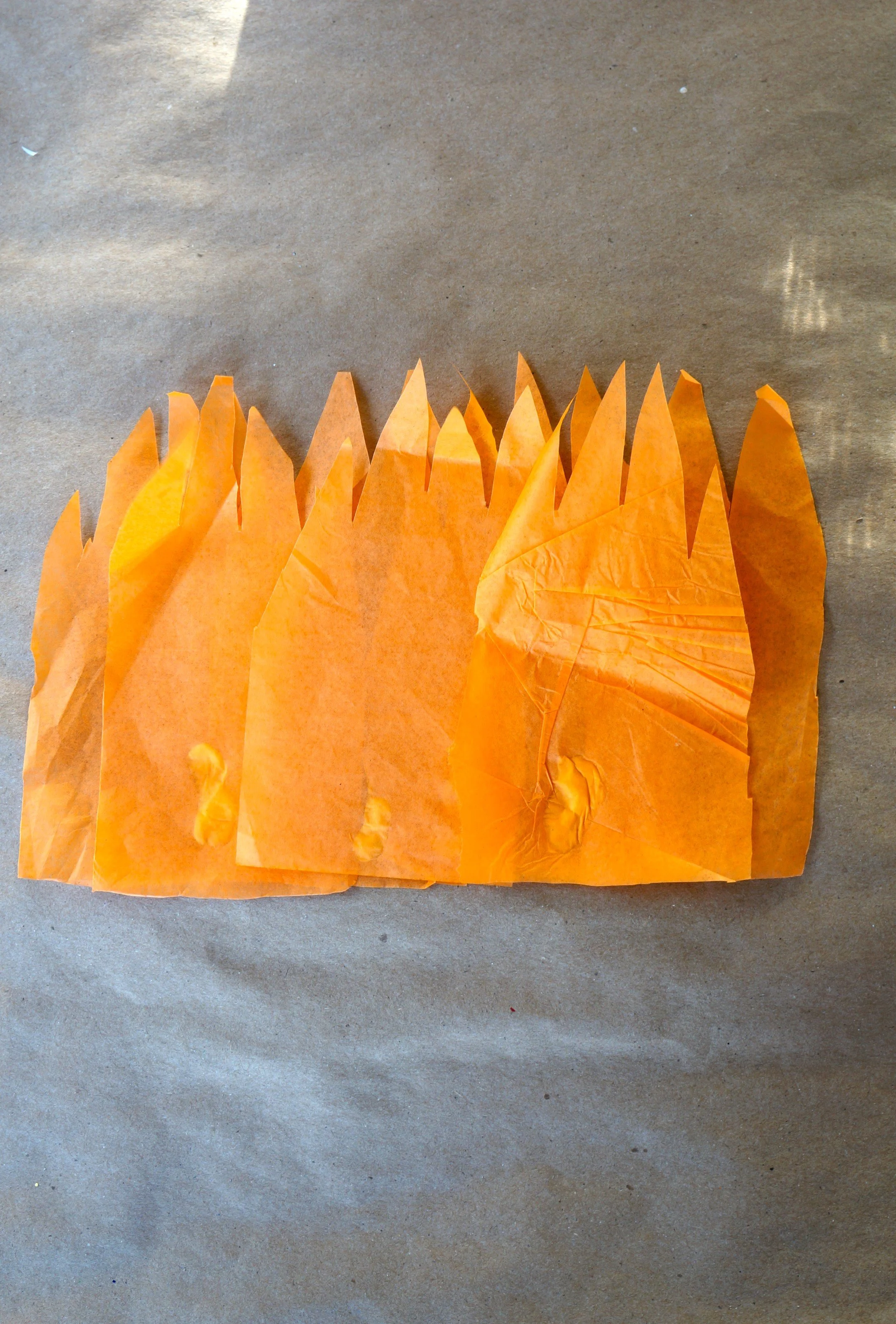
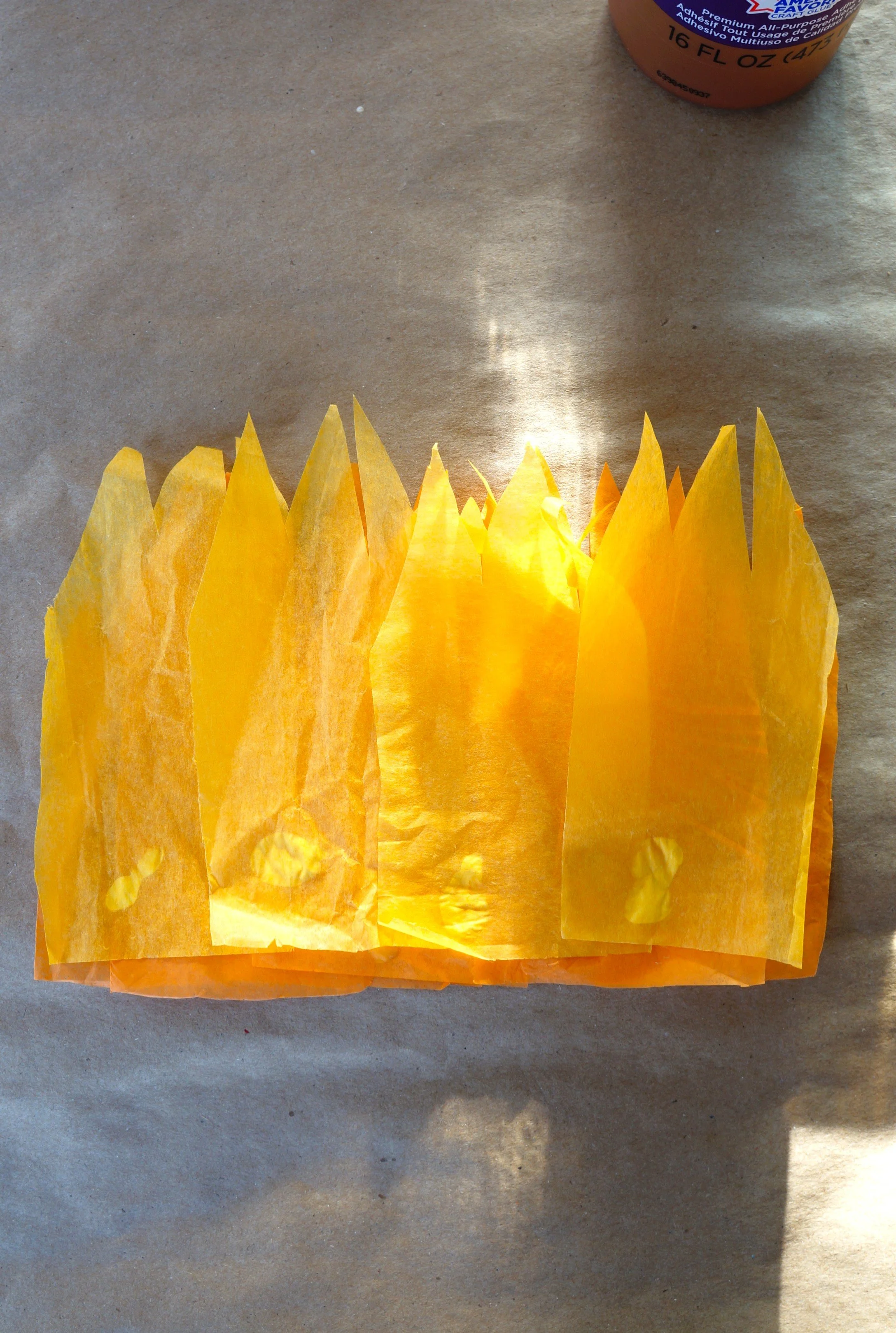
FLAME: For a smaller flame, use half the amount of tissue listed
Fold a 1/2 sheet of orange into 16 sections and cut them out.
Fold 1/4 sheets of light orange and yellow into 8 sections, then cut them out.
Line up each colored stack of papers, hold the stack firmly, and cut them with different peaks.
Slightly overlap four orange papers(8 if making the large flame) and glue them together.
Glue four of the light orange papers slightly above the dark orange.
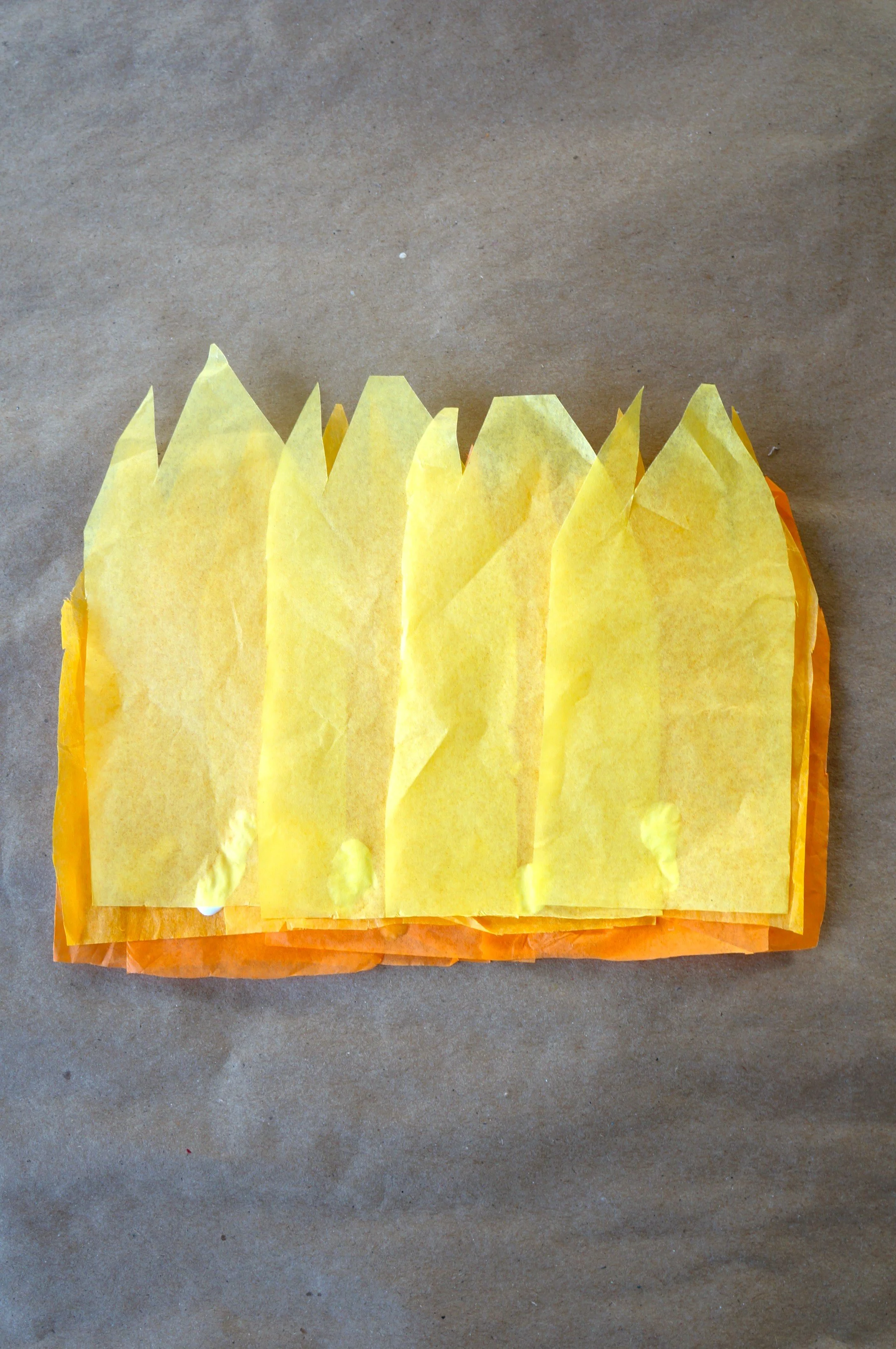
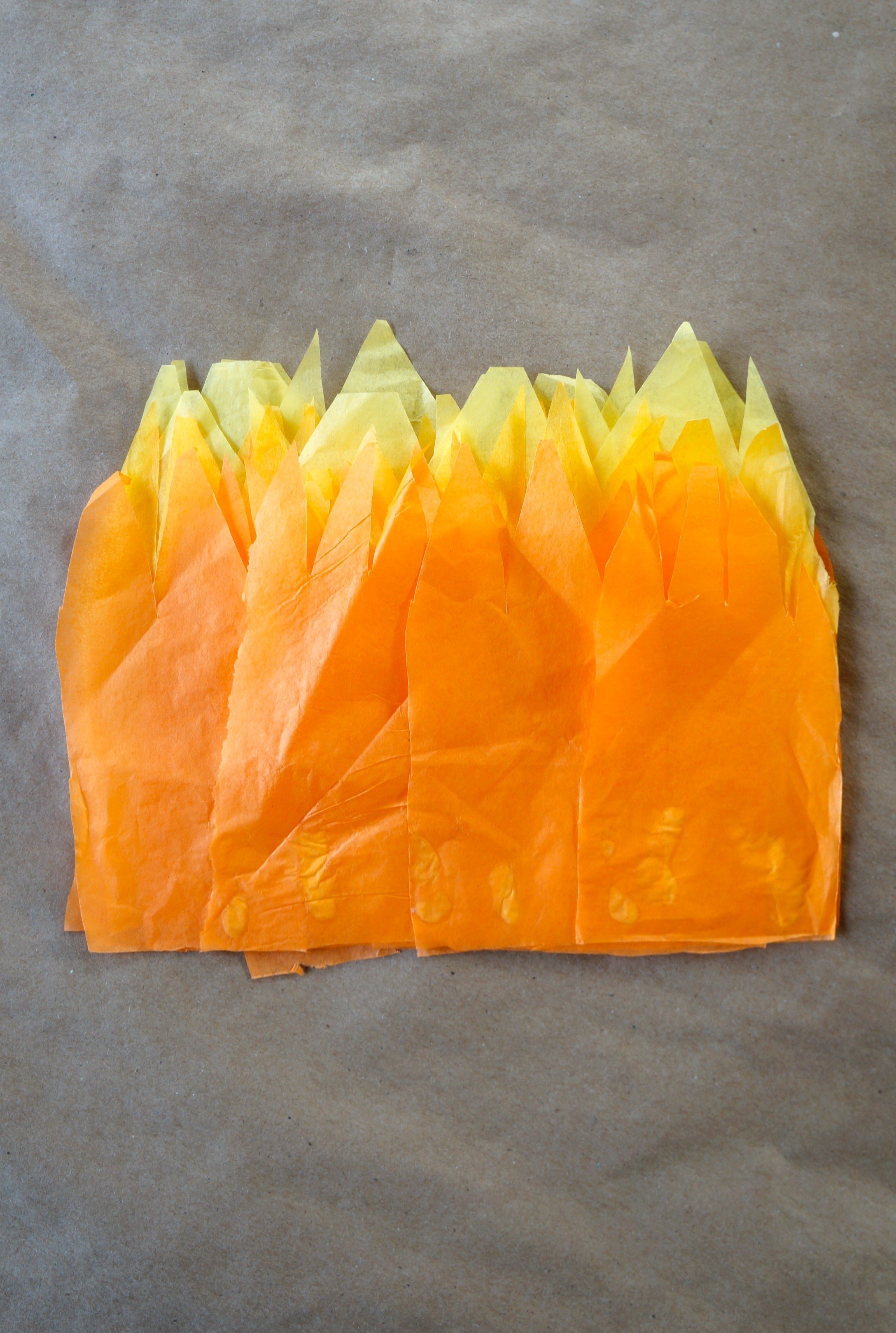
5. Glue four of the yellow above the light orange paper.
6. Repeat the pattern and layering of the paper until all are used up.
ASSEMBLE
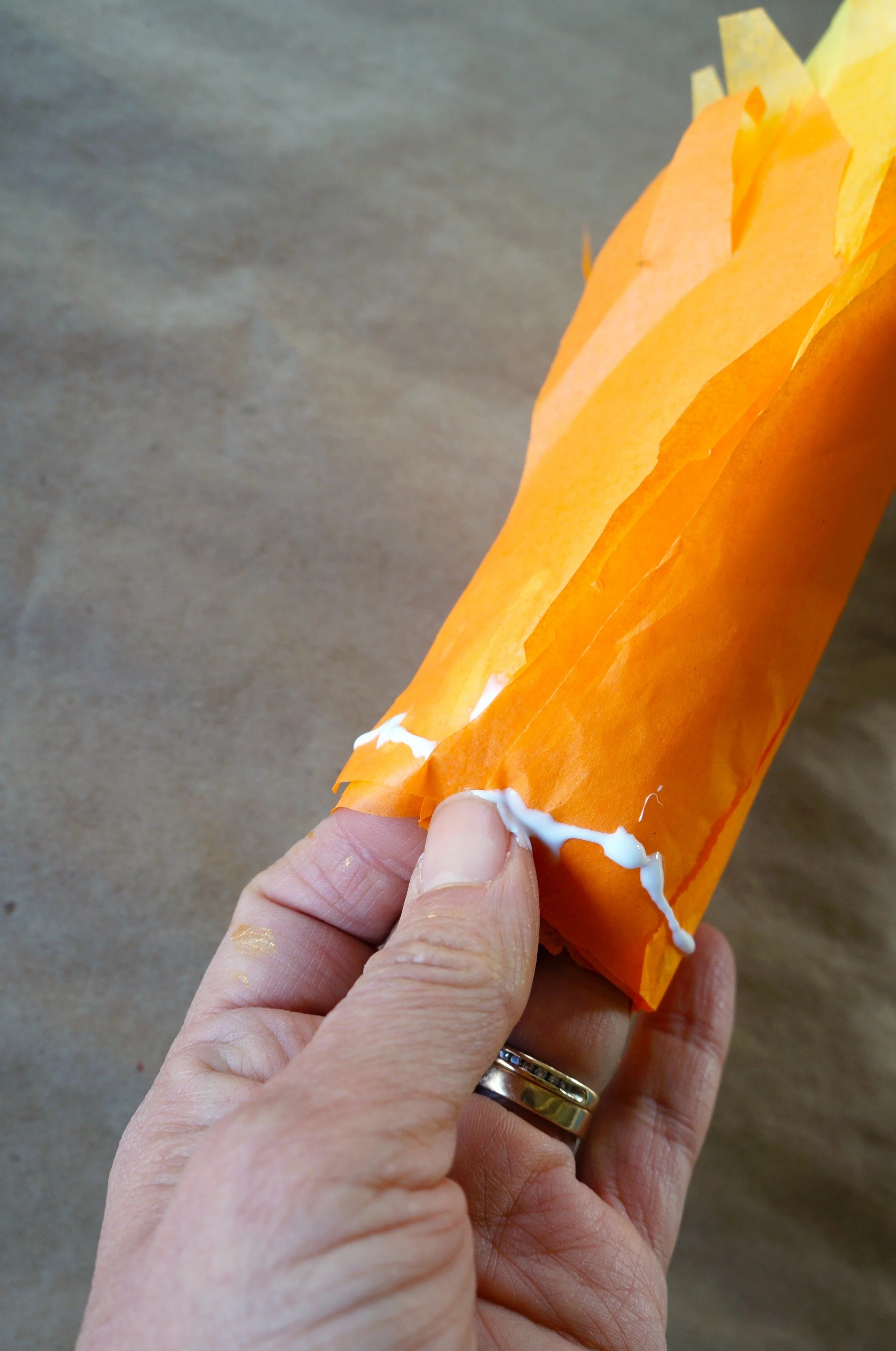
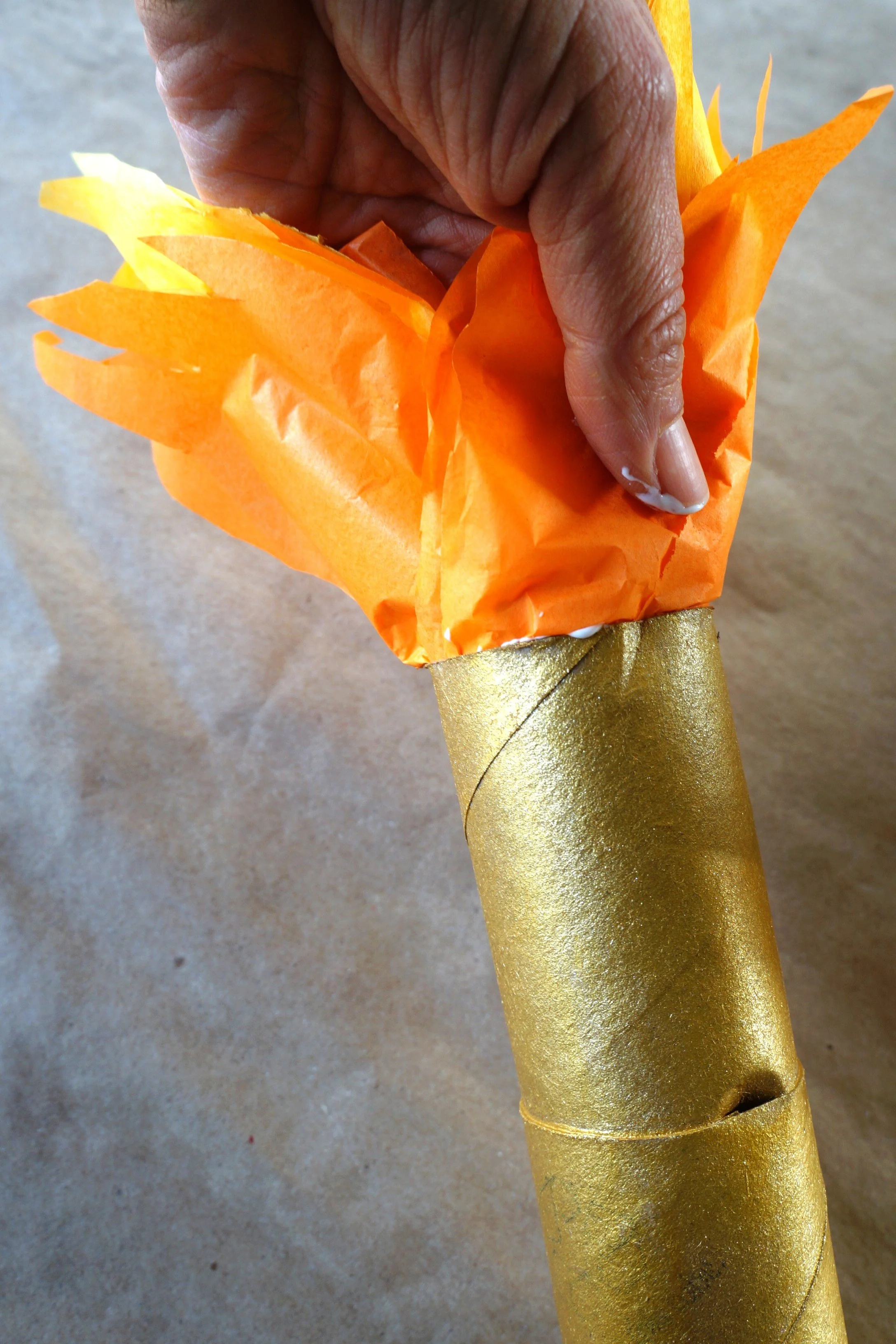
Roll the layered paper into a tube and add glue around the base.
Place the tissue tube into the torch and, with your hand, press the tissue against the inside of the tube.
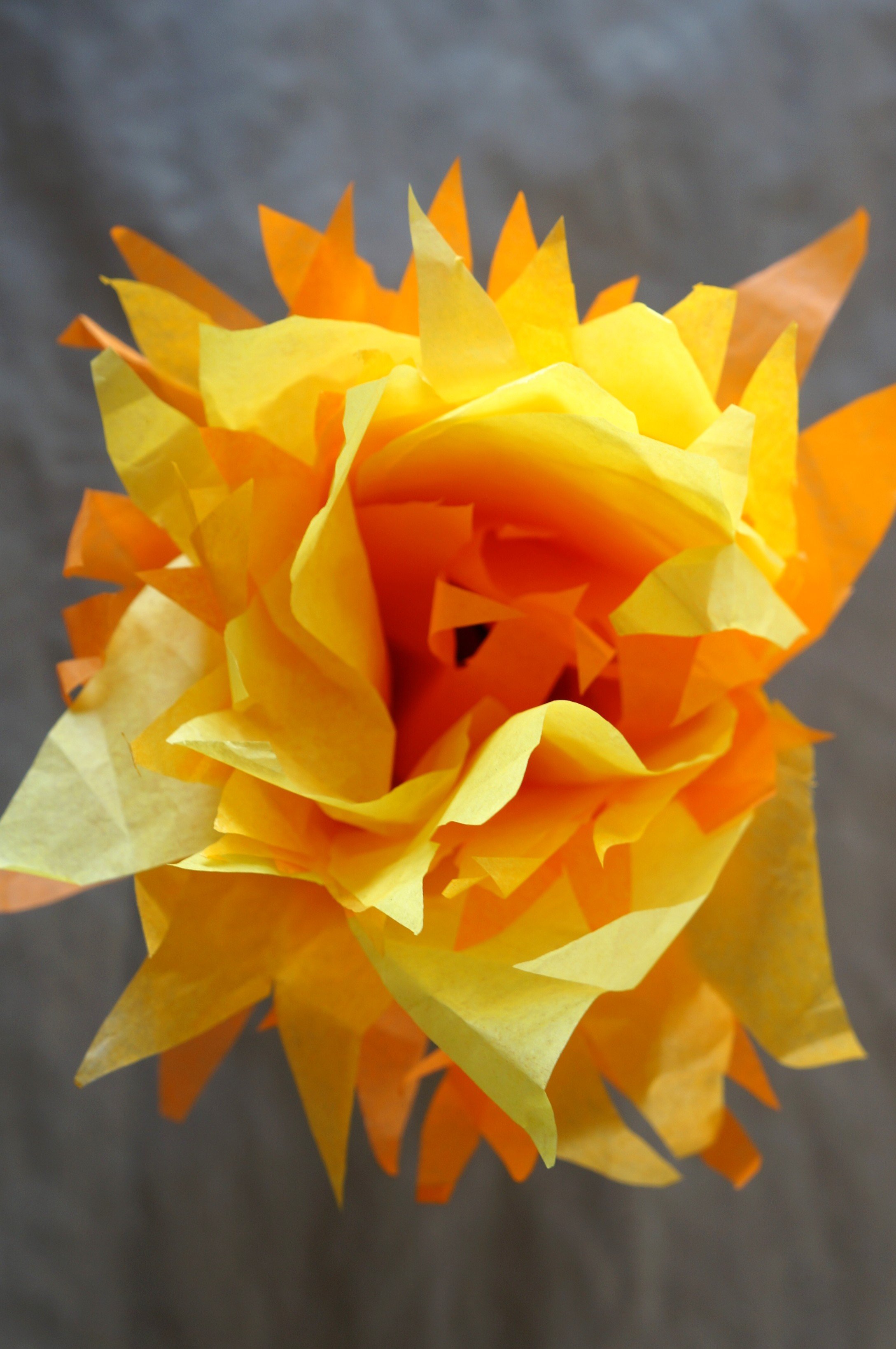
3. Separate some of the tissue sheets and glue 2-3 center sheets together to close up the gap.
4. Let everything dry for about 10 minutes.
That’s it!
Happy crafting,
Amanda and Naomi
To share: take a photo of your craft and let us see it! Click Photo Submission, then submit the photo.